01 · Personal files
Photos and videos
Family archives on a computer drive, photos on a memory card or videos on external storage.
Lost photos, documents or business files? I recover data from HDDs, SSDs, USB drives, memory cards, NAS and RAID systems after accidental deletion or storage failure.
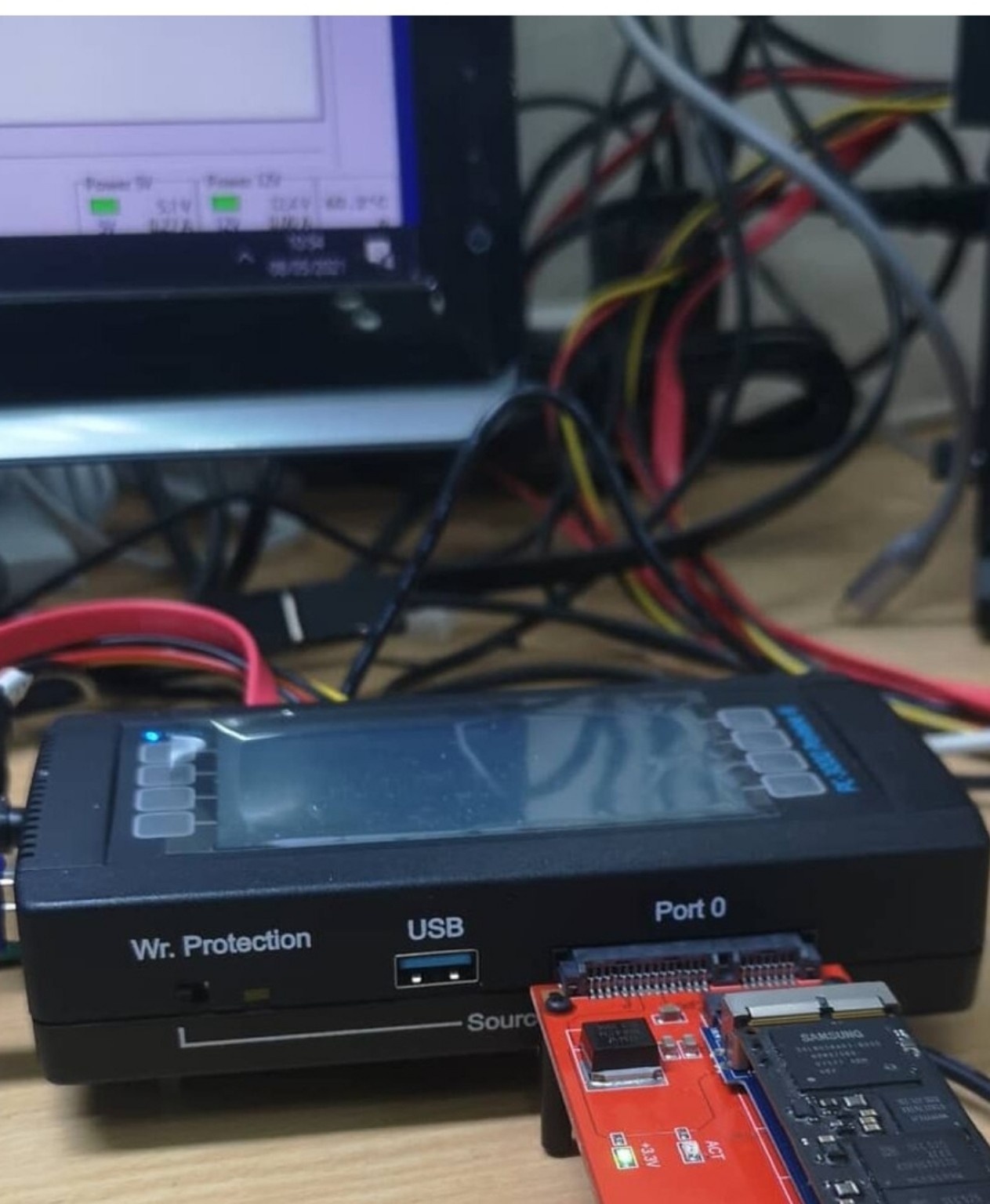
Family archives on a computer drive, photos on a memory card or videos on external storage.
Work documents, spreadsheets, drawings, study materials and other important files.
Accounting files, project archives and shared documents on drives, NAS or RAID systems.
The approach depends on the storage type and what happened to it.
HDD not detected, slow, freezing or making unusual noises. I also assess bad sectors and other physical faults.
The drive is no longer detected by BIOS, the OS will not boot, files are inaccessible or the storage is unstable.
Damaged RAID configuration, errors on multiple disks or inaccessible NAS data.
A USB drive or card is wet, broken, not detected or inaccessible due to file system damage.
Accidentally deleted files, formatted drives, damaged file systems or missing partitions.
Previous attempts did not give the result you needed, or you want a second opinion? I can assess these cases too.
A physically damaged HDD may require donor parts. Depending on the fault, I replace the head assembly or adapt the electronics.
I select a donor by model, drive family, head configuration and other technical parameters. Matching capacity alone is not enough.
I replace faulty read/write heads with a compatible donor assembly. Strict cleanliness is essential, and the condition of the platter surfaces affects the outcome.
I assess whether to repair the PCB or replace it. When adapting donor electronics, I transfer the original ROM data and individual parameters if needed.
The outcome depends on the damage and previous reading attempts. Full recovery cannot be guaranteed.
Work stopped because important information is inaccessible? Call and explain what you need and by when. I will check whether priority work is possible.
Call nowFrom my workshop
Photographs from my work: SSD recovery, HDD diagnostics and cases requiring donor parts.
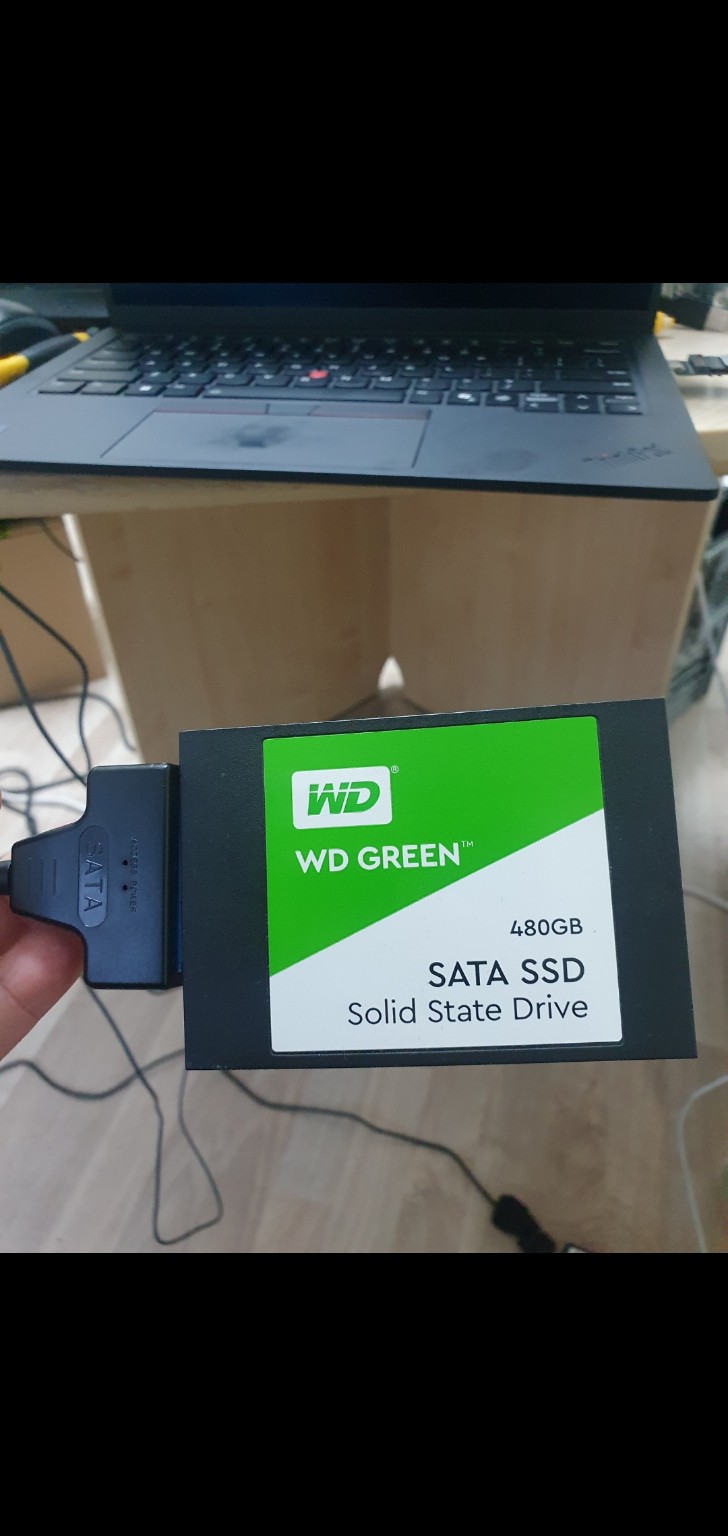
Data was recovered from a WD Green 480 GB SATA SSD using a specialist adapter for connection and software for recovery.
Read the full story →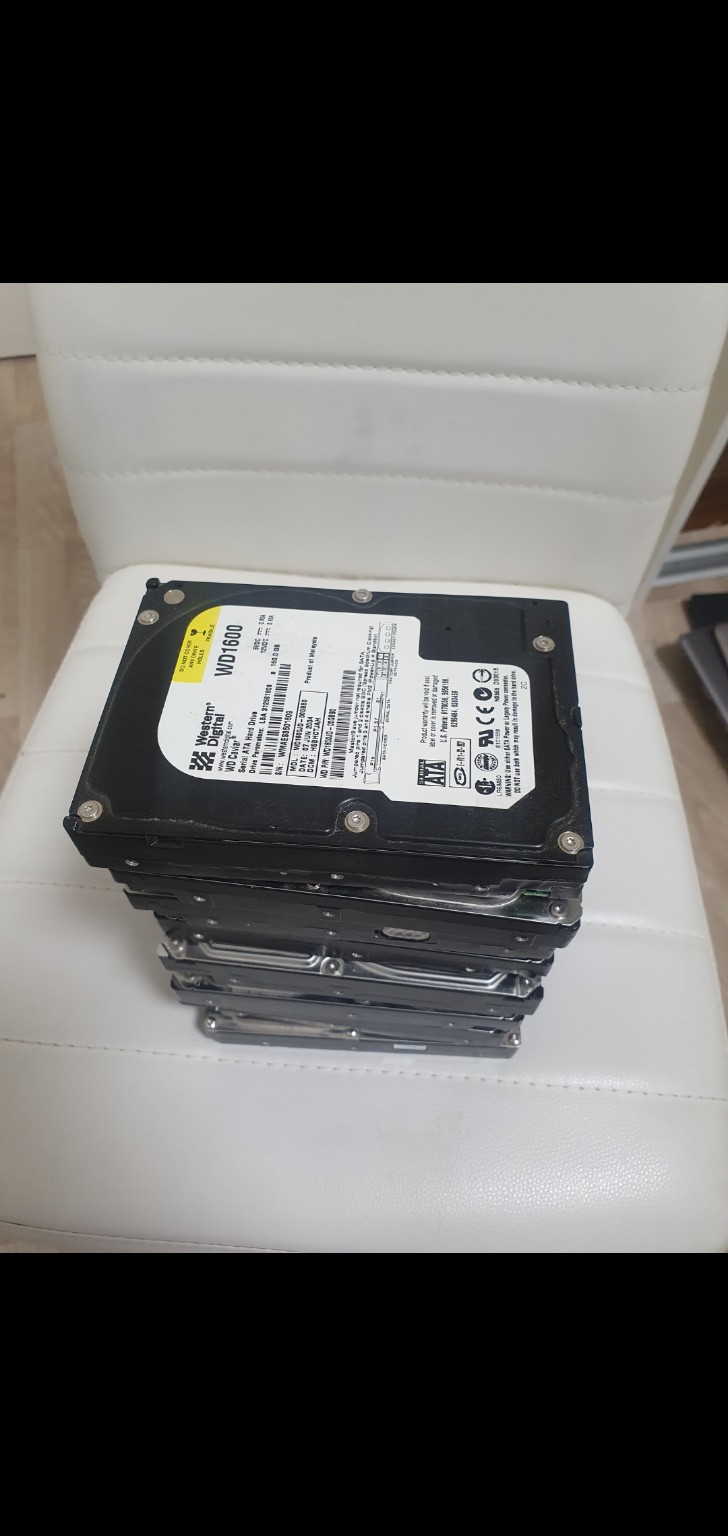
This group of SATA hard drives required head replacement, mechanical work and software recovery. The success rate for these cases was 85%.
Read the full story →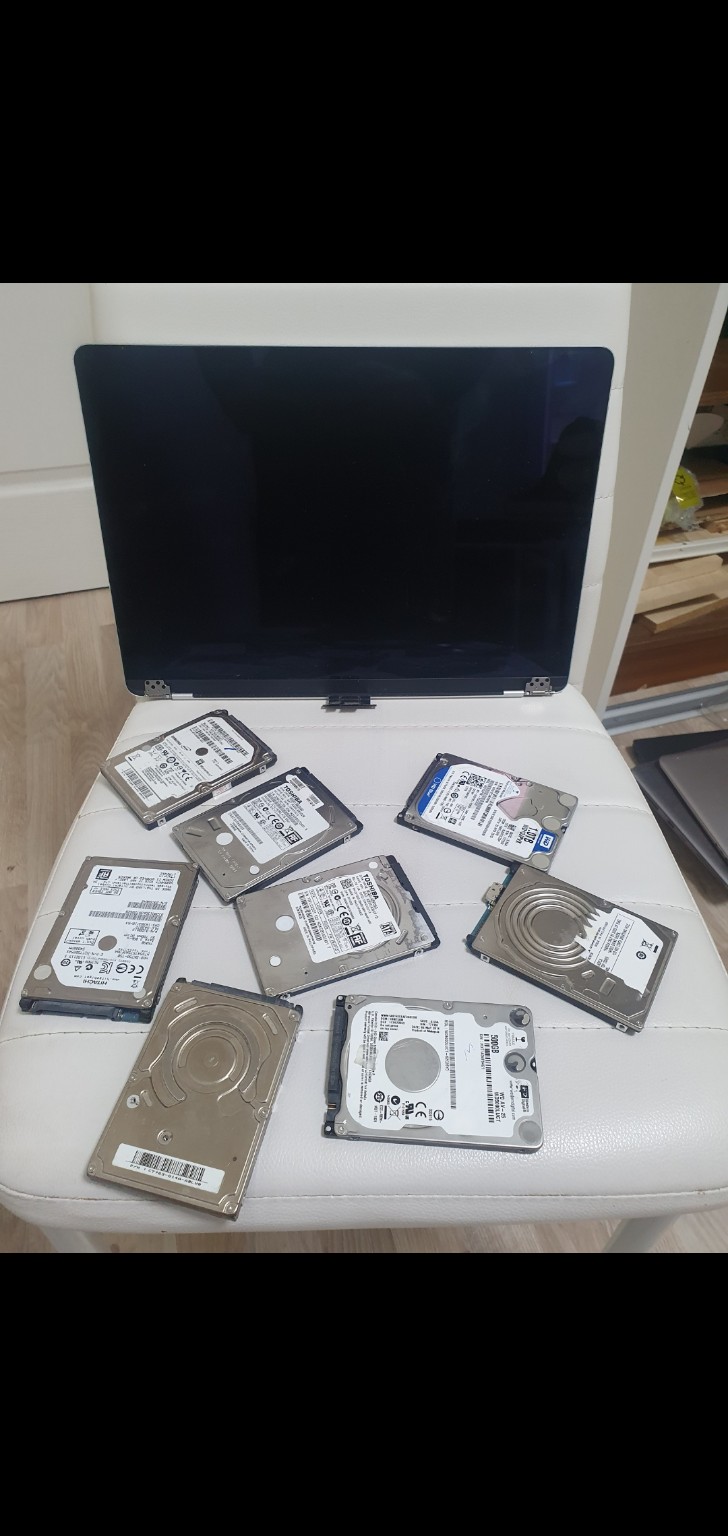
These drives had a stuck head, a controller fault and software recovery cases. Overall, 92% of required data was recovered; one drive could not be recovered.
Read the full story →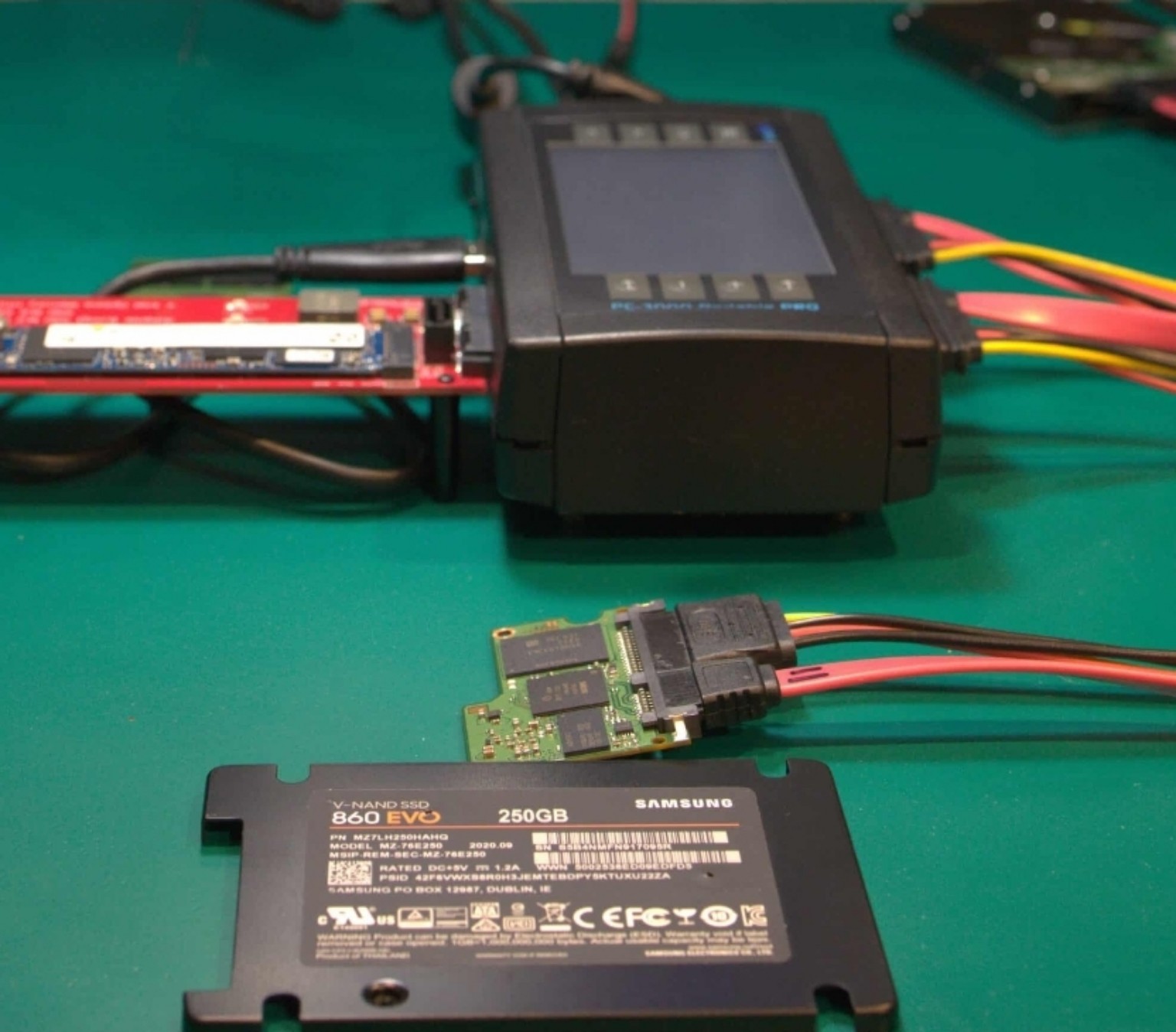
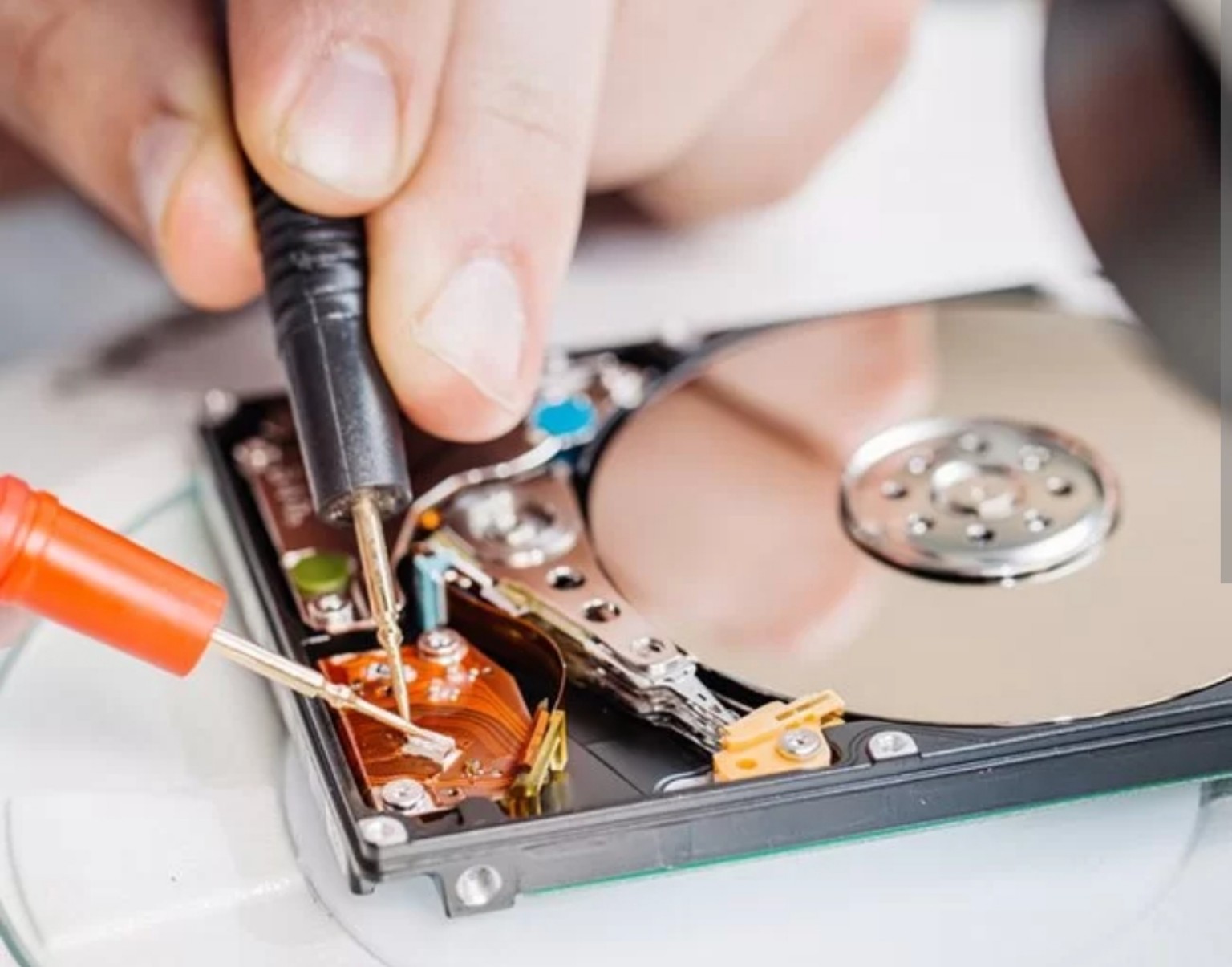
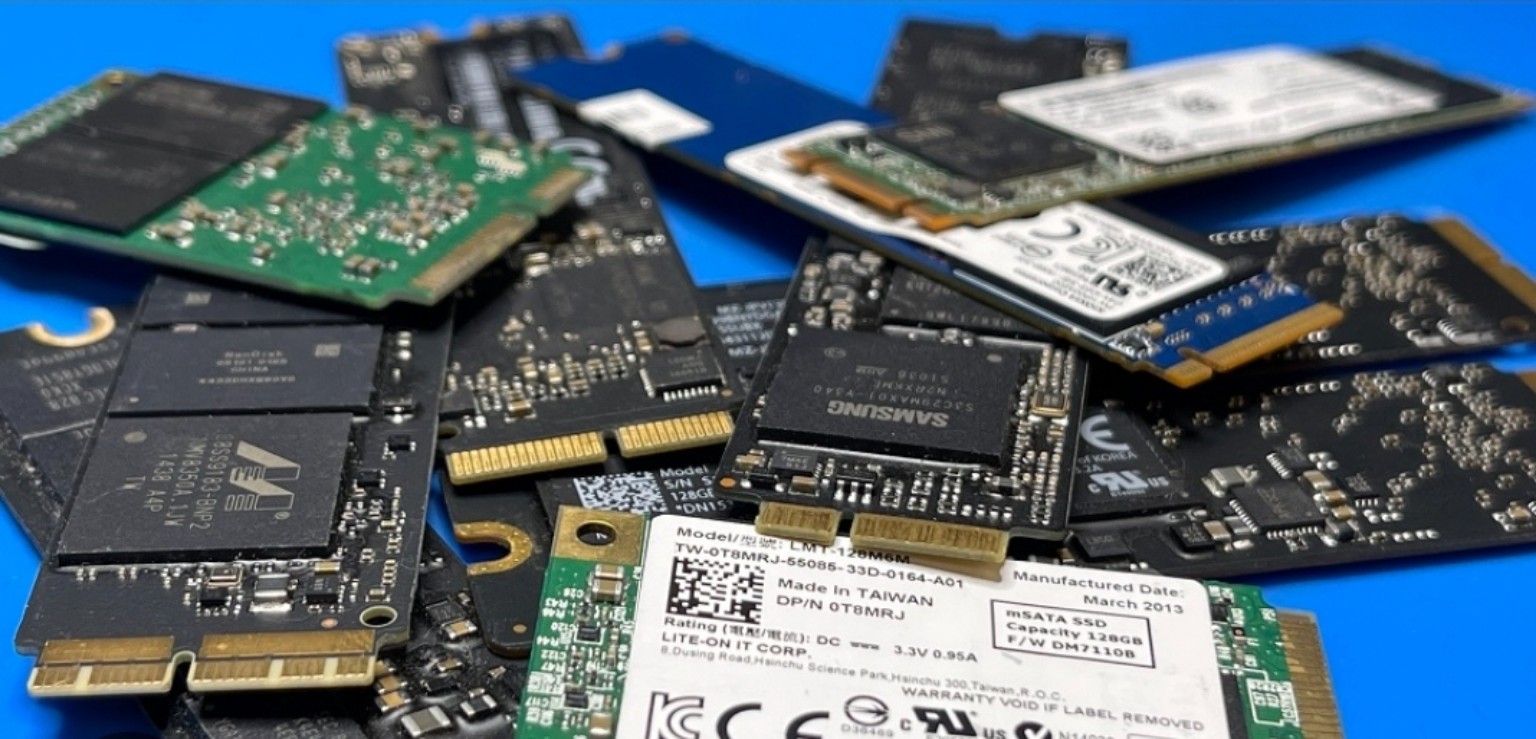
The photographs show specific hard drive and SSD recovery cases: diagnosis, connection to specialist equipment and data reading.
Read the full story →Four main stages, from the first conversation to delivery of recovered files.
Want to know whether your case can be resolved? Contact me — I will listen and advise on safely handing over the storage device.
Describe the device and what happened. I will contact you to discuss recovery options and the next steps.
Klientų patirtys apie „Meistro Karolio“ paslaugas. Atsiliepimų šaltinis – „Google“.
All Google reviewsWith your consent, Google Analytics helps measure traffic and Google Ads helps assess advertising performance. You can submit an enquiry without accepting these cookies.
Essential cookies keep the website working and remember your choice. Statistics and advertising cookies are used only with consent. Without consent, Google tags may send limited cookieless signals. Your name, phone number, email and message are not sent to conversion tags. Ad personalisation is disabled.
Your choice is stored for 180 days and can be changed using Cookie settings. Google may process information outside the EEA. How Google uses information. For website measurement enquiries, contact Meistras Karolis, Musninkų g. 6, Vilnius, tel. +370 600 52192.